


Description
Product Overview
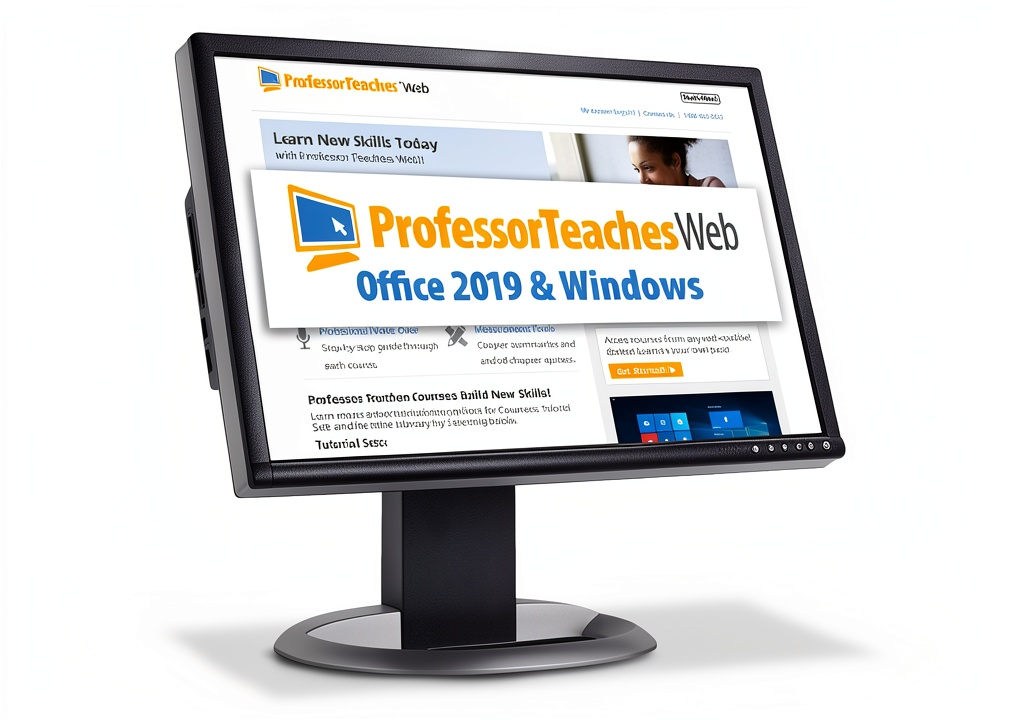
Our online training platform delivers 24/7 access to comprehensive business software courses without the need for downloads or installations. Built by Individual Software, the system features a clean, browser‑based interface that mirrors real applications, complete with accurate menus, buttons, and screen layouts. Professional voice narration guides learners through each step, while interactive exercises require users to perform the correct actions, ensuring deeper retention and faster skill acquisition.
Usage
Designed for professionals, freelancers, and corporate teams, the training can be accessed from any internet‑connected device—desktop, laptop, or tablet. Whether you are upskilling for a new role, preparing for certification, or onboarding new employees, the platform adapts to varied schedules and learning paces. Ideal for remote work environments, on‑site training sessions, and continuous education programs.
Why Choose Us
Our solution stands out with its hands‑on approach that goes beyond passive video watching. Each exercise replicates real‑world tasks, reducing the learning curve when transitioning to the actual software. The content is regularly updated by industry experts, guaranteeing relevance and accuracy. With 24/7 availability and no software maintenance, organizations save time and IT resources while delivering consistent training quality.
Key Features
- Instant online access—no downloads, installations, or updates required.
- Interactive, hands‑on exercises that mimic real application workflows.
- Professional voice narration to reinforce key concepts and improve retention.
- Accurate screen simulations with real menus, buttons, and navigation paths.
- Flexible learning schedule suitable for individuals and corporate teams.
FAQ
Do I need any special software to use the training?
No. The platform runs entirely in a modern web browser, so any device with internet access can be used.
Can I track my progress and earn certificates?
Yes, the system records completed modules and provides downloadable certificates of completion for each course.
Is the content updated to reflect software changes?
Content is reviewed and updated regularly by subject‑matter experts to ensure alignment with the latest software versions.
What support is available if I encounter technical issues?
Our support team is available 24/7 via chat and email to assist with any access or technical problems.
Can multiple users share a single account?
Each user requires an individual login to track personal progress and maintain compliance with licensing terms.




 TeachUcomp Business Software Training 7hr Video
  TeachUcomp Software Audio Visual 8hr Video
  TeachUcomp Business Training Software 42hr Video
  Network Marketing Blueprint CMG Training Guide
  Online Training Software by Individual Software
  Office 2019 Training Software by Individual Software
Reviews
There are no reviews yet.