


Description
Product Overview
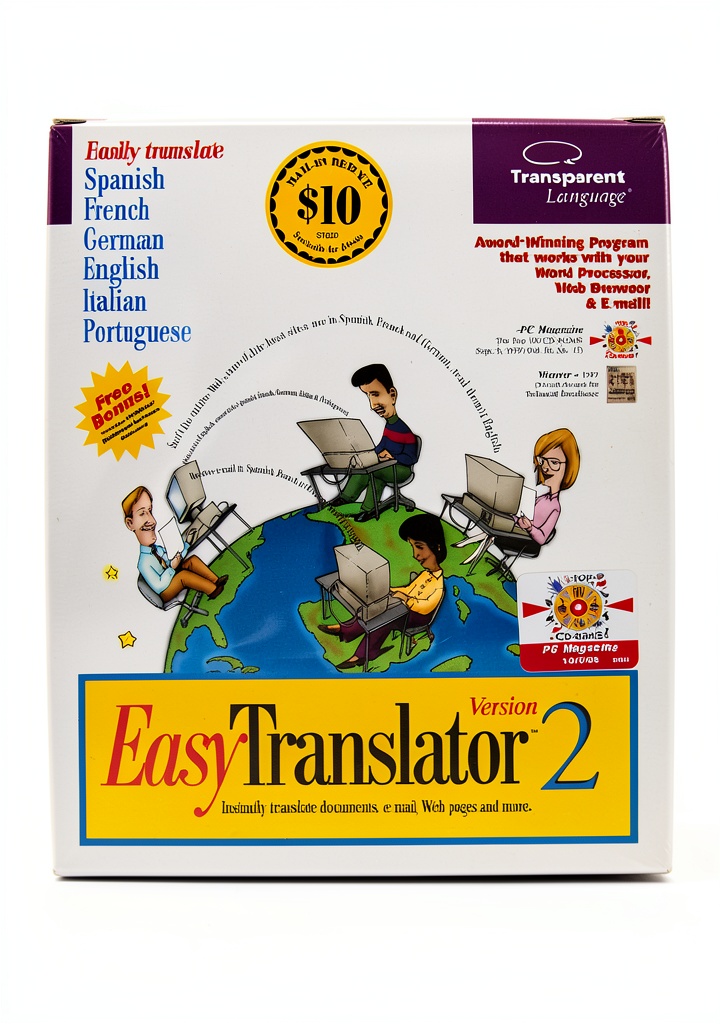
Transparent Language’s Business Training Software was designed to deliver high‑quality language instruction for corporate environments. Developed by Transparent Language, the program combines a robust database of vocabulary, grammar exercises, and real‑world scenarios with an intuitive desktop interface. Packaged in a compact 5.6 × 4.9 × 0.4 inch format and weighing just 3.2 ounces, it installs quickly on Windows machines and runs without requiring an internet connection. The software earned the 1997 Dvorak Award for Technical Excellence and was listed among PC Magazine’s Top 100 C‑ROMS, underscoring its reliability and instructional depth.
Usage
The software is ideal for multinational corporations, government agencies, and language‑training departments that need offline, self‑paced learning tools. Employees can use it during onboarding, before international assignments, or as part of ongoing professional development. Because it operates locally, it is suitable for secure environments where network access is restricted. The program’s modular design allows learners to focus on specific business vocabularies, such as finance, legal, or technical terminology, tailoring the experience to their job functions.
Why Choose Us
Even though the product is discontinued, its legacy of accuracy and pedagogical soundness remains unmatched. Transparent Language invested heavily in linguistic research, resulting in content that aligns with real‑world business communication. The software’s award‑winning engine ensures precise pronunciation guides and contextual usage examples. Users benefit from a stable, offline solution that does not depend on subscription fees or recurring updates, providing a cost‑effective option for organizations with fixed training budgets.
Key Features
- Comprehensive business‑focused language modules covering 20+ languages.
- Offline operation eliminates the need for internet connectivity.
- Award‑winning Dvorak technical excellence ensures high instructional quality.
- Compact installation package with minimal system requirements.
- Customizable lesson paths for different professional roles and skill levels.
FAQ
Is the software compatible with modern operating systems?
The program was built for Windows XP and later versions. While it runs on many newer Windows releases, compatibility with the latest OS versions is not officially supported.
Can I still receive technical support?
Official support has ended, but extensive user manuals and community forums remain available for troubleshooting and best‑practice tips.
Does the software include speaking practice?
Yes, it features audio recordings by native speakers and speech‑recognition exercises to improve pronunciation and listening skills.
How many users can share a single license?
Each license is intended for one workstation. For multiple users, additional licenses must be purchased.
Is there a way to export progress data?
The application allows exporting of user progress reports in CSV format, facilitating integration with corporate learning management systems.
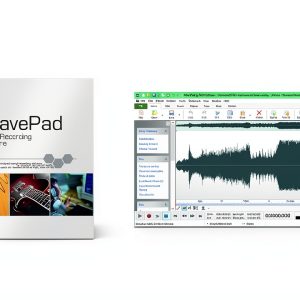
 TeachUcomp Business Training Software Audio
Reviews
There are no reviews yet.