

Description
Product Overview
The Professor Teaches Windows 11 With Skill Assessment is a comprehensive e‑learning package designed by Individual Software. It combines video lessons, interactive labs, and real‑time professor answers to create a seamless learning journey. Each module covers core Windows 11 functions—from installation and configuration to advanced security and productivity tools—ensuring learners gain both theoretical knowledge and practical skills. The system is delivered as downloadable software, compatible with Windows 10 and later, and includes printable worksheets for offline review.
Usage
This course is ideal for corporate training programs, IT support teams, and independent professionals who need to certify their Windows 11 expertise. Learners can study at their own pace, accessing content on desktop or laptop computers in office, home, or remote environments. The just‑in‑time professor answers allow users to skip ahead to specific topics, making it perfect for quick reference during real‑world troubleshooting. 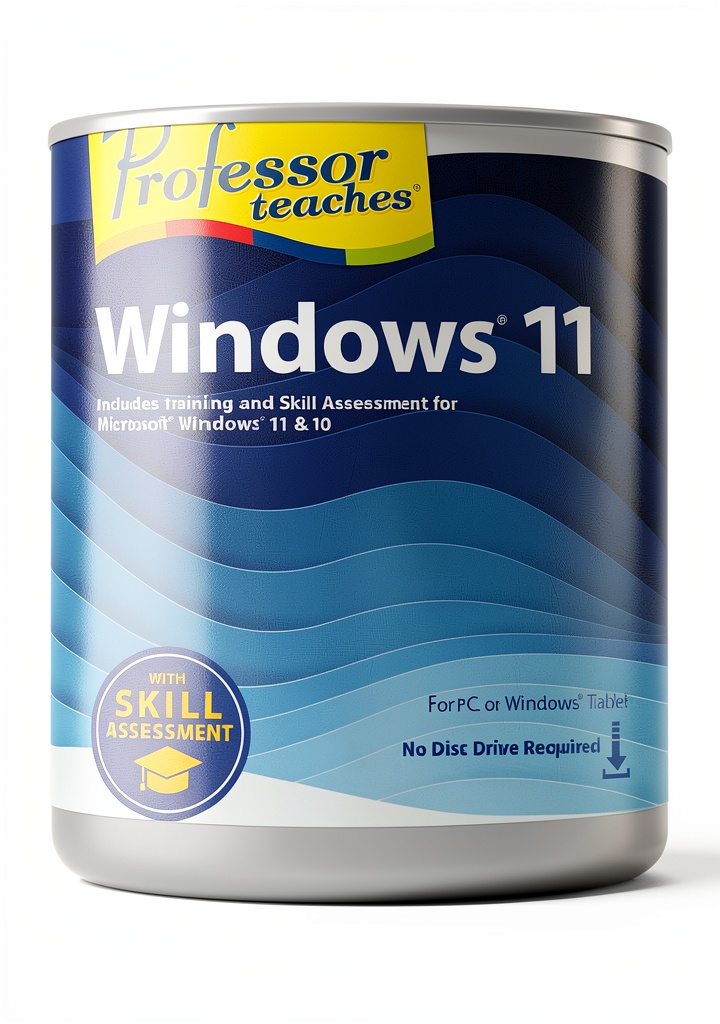
Why Choose Us
Individual Software has a reputation for producing high‑quality, up‑to‑date training materials. This product stands out because it integrates skill assessments that automatically track progress and pinpoint knowledge gaps. The interactive format encourages active learning, while the professor’s explanations are clear, concise, and aligned with industry standards. Continuous updates ensure the curriculum reflects the latest Windows 11 releases, providing long‑term value for learners and organizations.
Key Features
- Complete Windows 11 curriculum covering installation, security, and productivity.
- Just‑in‑time professor answers for instant clarification and deeper understanding.
- Built‑in skill assessments that identify weak areas and suggest targeted review.
- Interactive labs that simulate real‑world scenarios for hands‑on practice.
- Downloadable resources, including worksheets and cheat sheets for offline study.
FAQ
What prior knowledge is required?
No advanced technical background is needed. The course starts with basic Windows concepts and progresses to advanced topics, making it suitable for beginners and experienced users alike.
Can I access the training on multiple devices?
Yes, the software can be installed on any Windows 10 or later PC, and you can log in with the same account on multiple machines.
How are the skill assessments graded?
Assessments are scored automatically, providing a pass/fail result and detailed feedback on each question to guide further study.
Is there a certificate upon completion?
Upon passing the final assessment, you receive a downloadable certificate that can be added to your professional profile or resume.
Do you offer any support if I encounter technical issues?
Individual Software provides email and chat support for all registered users, ensuring any installation or content issues are resolved quickly.


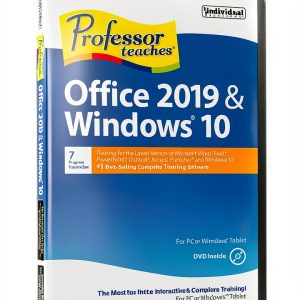 Office 2019 Training Software by Individual Software
 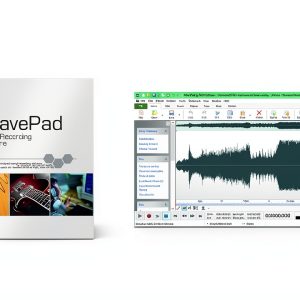 Generic Key for Business Training & Tutorials
Reviews
There are no reviews yet.